
Next webinar

Webinar: Introduction to Termite AI

  • Date: December 11th, 2025
  • Time: 5:00 PM CET
  • Duration: 45 minutes + Q&A

Join us for a live demonstration of Termite AI — an intelligent design co-pilot that helps architects and designers generate floor plans, spatial layouts, and unit distributions in minutes.

In this session, you’ll learn how Termite connects seamlessly with Rhino, Grasshopper, and Revit, integrating AI into your early design workflow without changing your tools.

We’ll showcase how Termite accelerates early-stage design decisions, optimizes spatial configurations, and adapts to your design intent — whether you’re working on a single building or a large-scale project.

What You’ll Learn

  • How Termite AI generates floor plans and unit distributions with minimal input
  • Live integration demo with Rhino, Grasshopper, and Revit
  • How Termite fits into early-stage design workflows
  • Upcoming features and roadmap for early adopters

Who Should Attend

This session is ideal for:

  • Architects and designers using Autodesk Revit, Rhino, Grasshopper in early-stage design
  • Professionals seeking tools to streamline concept design and reduce manual work

Innovators eager to explore AI-driven design workflows

Why Attend

Get an exclusive preview of Termite AI before public release and discover how it can transform your early design process. Participants will also receive an invitation for early access and have the opportunity to ask questions directly to the Termite team.

cover-bg
Introduction to Termite AI
Date: December 11th, 2025
Time: 5:00 PM CET
Duration: 45 minutes + Q&A

Join us for a live demonstration of Termite AI — an intelligent design co-pilot that helps architects and designers generate floor plans, spatial layouts, and unit distributions in minutes. In this session, you’ll learn how Termite connects seamlessly with Rhino, Grasshopper, and Revit, integrating AI into your early design workflow without changing your tools. We’ll showcase how Termite accelerates early-stage design decisions, optimizes spatial configurations, and adapts to your design intent — whether you’re working on a single building or a large-scale project.
  • How Termite AI generates floor plans and unit distributions with minimal input
  • Live integration demo with Rhino, Grasshopper, and Revit
  • How Termite fits into early-stage design workflows
  • 100GB cloud storage
cover-bg
Early-Stage Layout Intelligence
8th Ocotber 2025 starting at 5:00 PM CEST (Vienna time)

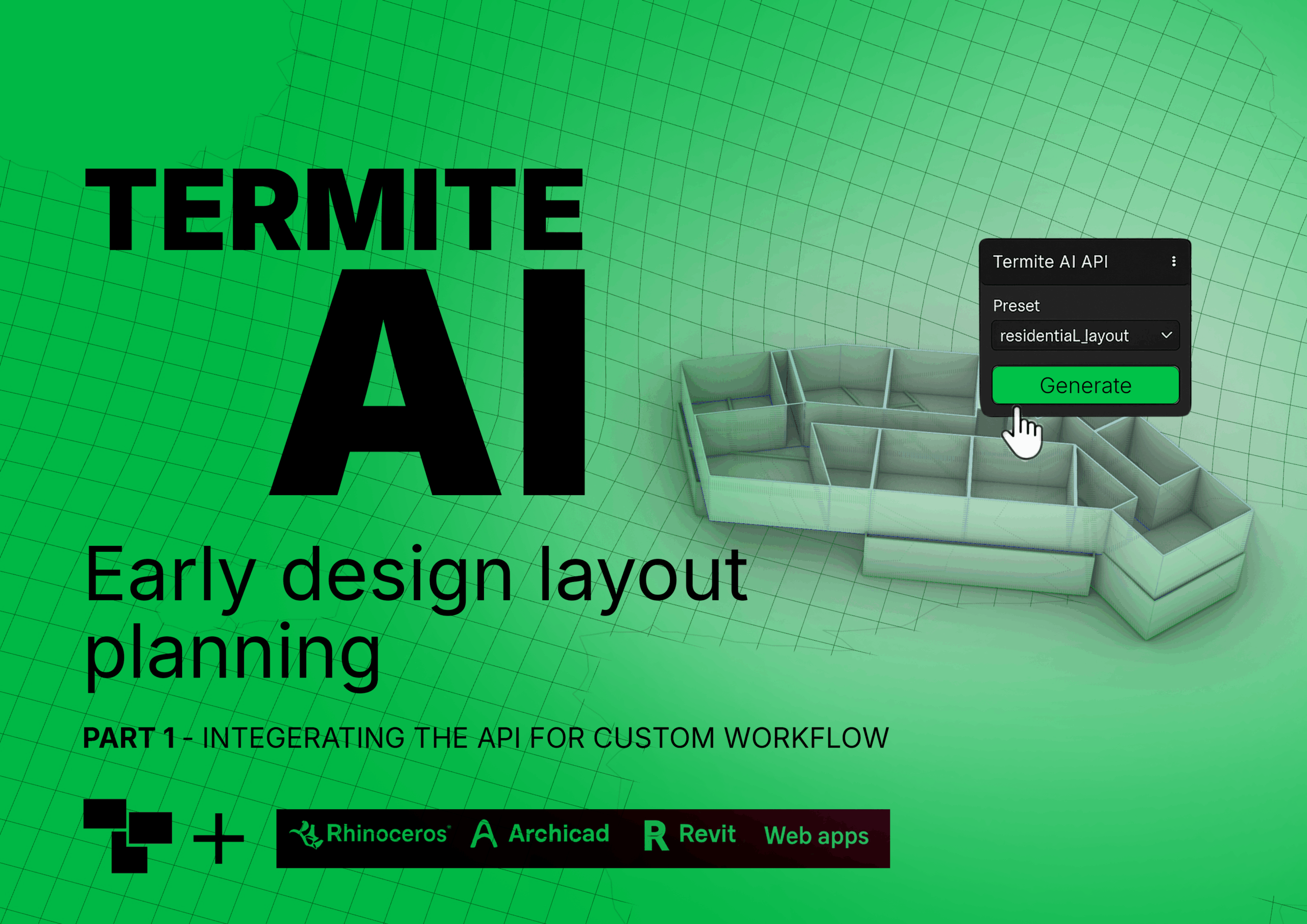
Termite AI API. Learn how to create a custom AI plugin integrated with the Termite AI backend in your CAD software. We will showcase a Grasshopper example and explore extensions to Rhino and Revit. The new customizable interface of the Termite will be presented.
  • Full access to the showcased project codes/scripts
  • Free follow-up hands-on workshop
  • Early access to Termite AI API for testing and integration

FEATURES

Let’s See How It Works

Across all three webinars, we will present the next generation of AI integration with parametric 3D and its impact on smooth, accelerated BIM workflows through data-driven design.

Termite enables clear communication between AI and architects in early-stage design space exploration, while simultaneously handling data-driven design integration for BIM modelling automation.

Step 01
Create Account

Sign up and create your account in just a few easy steps. Start exploring and unleashing possibilities today.

Step 02
Collect Ideas

Harness the collective creativity of your team and collect brilliant ideas to drive innovation and growth.

Step 03
Data Analysis

Unlock the power of data analysis to gain valuable insights and make informed decisions for your business.

FEATURES

We Are Proud Of Our Works

6000 +

Downloads worldwide

1500 +

Academics from top Universities

2184 +

AEC ky companies

FAQS

Frequently Asked Questions

Get quick answers to common queries about our service, pricing, security, and account management in our FAQ section.

How can I change my account?
Please, go to your profile page. then follow the steps below 1. copy the Termite ID under your profile name 2. click on chat bot button and inter your email if its not 3. write down `I need termite package` and enter your copied Termite ID
What is the spaces relation value?
The space relation value is based on the space syntax theory. value 1 means two spaces are neighbor and has direct flow value 2 means two spaces are connecting to each other with a space in between. It means there is an indirect flow between two spaces value 3 means two spaces are connecting to each other with more than one space in between. still there is an indirect flow between th spaces value None_ ( empty) there is no direct/indirect flow between the spaces. The spaces are not neighbor
How do I contact customer support?
You can contact customer support via email at [email protected].

If you have any further questions, please do not hesitate and contact our support team.

[email protected]